For hotels
Hotel virtual tours that show every room
Show every room type and facility in 360°. Guests explore the hotel on your website before they decide, instead of guessing from a few photos.
What a tour changes for hotels
Photos hide the room
Guests cannot judge size, light or layout from a gallery. A 360° tour answers those questions before they ask.
Every platform booking costs commission
A tour on your own website gives guests a reason to book direct, and Immeroo takes no commission on bookings.
Guests compare room types blind
Link standard rooms, suites and apartments in one tour so guests pick the right one the first time.
How to plan a hotel virtual tour
A good hotel tour follows the path a guest takes, from arrival to the room. Plan it before the shoot and one visit with the camera is usually enough.
Step 01
Start where the guest arrives
Open the tour at the entrance or in the lobby, not in a room. Guests find their bearings the way they would on arrival, and every other scene is one hotspot away.
Step 02
Shoot one of each room type
Guests choose between room types, not room numbers. One panorama per type, taken from a corner near the door, shows size and layout in a single view. Add the bathroom as its own scene when it matters to the decision.
Step 03
Show the facilities guests ask about
Pool, spa, restaurant, gym and meeting rooms: the places guests mention in questions and reviews each deserve a scene. Info hotspots can carry opening hours and details right where they apply.
Step 04
Put the tour where decisions happen
Embed it on the rooms page of your website, link it in confirmation emails so guests know what to expect, and print the QR code at reception. With the booking add-on, guests check availability and reserve from inside the tour.
What to show in the tour
- Rooms and suites
- Lobby and reception
- Restaurant and bar
- Pool and spa
- Conference rooms
- Outdoor areas
Recommended plan: Business, $119 per month
Enough tours and scenes to cover every room type and facility of one hotel.
See pricingA room booked from inside the room
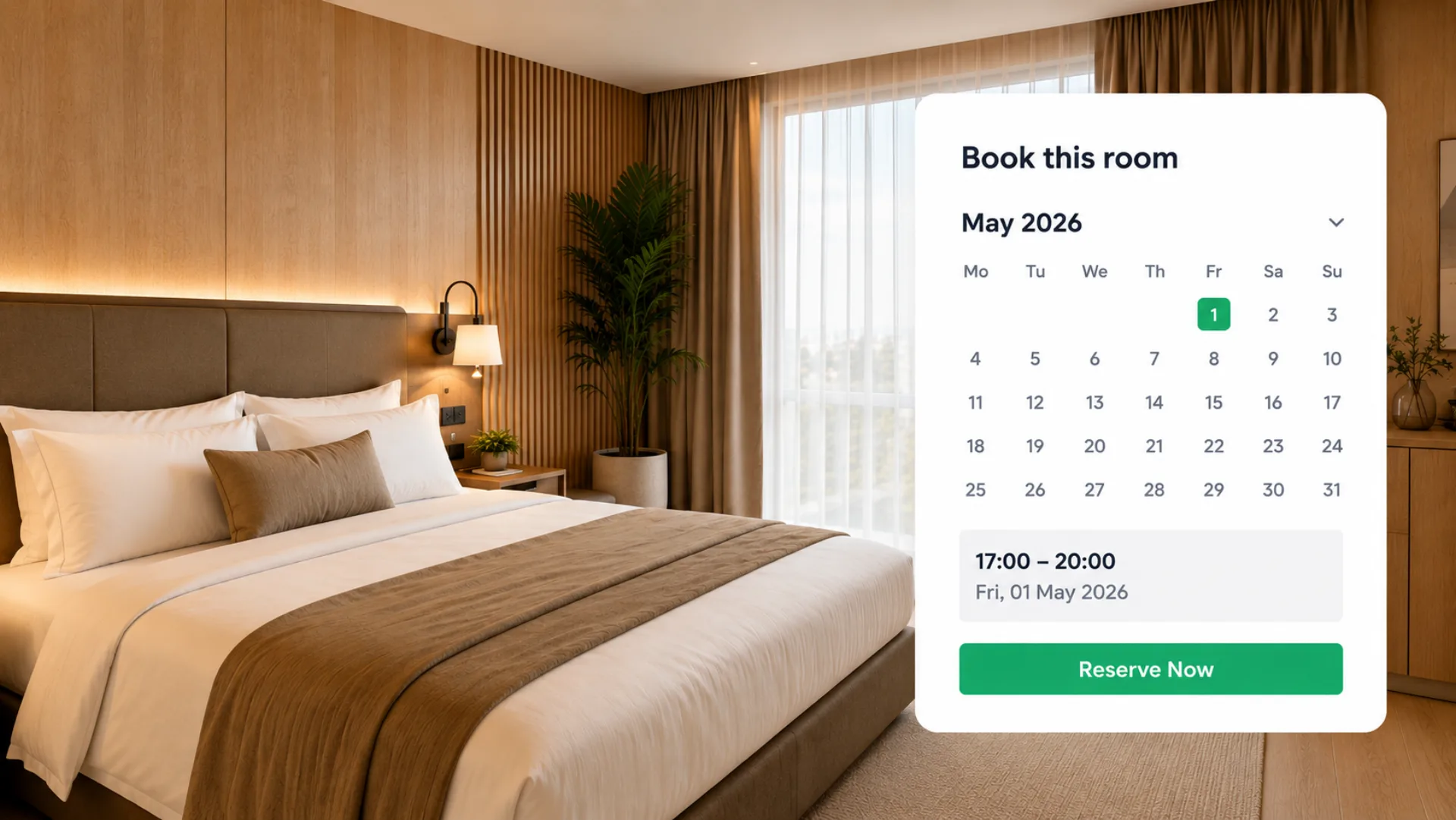
While looking around, guests press Availability, see which dates are free and reserve without leaving the tour. The reservation reaches your team in real time.
- Availability and reservation inside the tour
- Each room type has its own calendar, updated in real time
- Booking statistics next to tour statistics
Questions about tours for hotels
Can guests book directly from the hotel tour?
Yes. The booking system is included from the Pro plan and opens inside the tour.
Can I embed the tour on my hotel website?
Yes. Each tour has an embed code that works with any website builder, plus a share link and a QR code.
Does the tour work on phones?
Yes. Tours open in the browser on phones, tablets and desktops, with no app to install.
Do I need a 360° camera?
Yes, or a photographer who has one. Any camera that exports standard 360° panoramas works with Immeroo.
Can I update the tour later?
Yes. Replace or add panoramas in the editor whenever the space changes. The embed code stays the same, so every website that shows the tour gets the new version.
How many scenes does a hotel tour need?
It depends on the property. One scene per room type plus one per facility is a good starting point. The Business plan allows up to 40 scenes per tour.